Table Of Contents
Previous topic
Managing a research project with Sumatra
Managing a research project with Sumatra
The web interface is built using the Django web framework, and requires that Django be installed (see Installation).
Before using the web interface, you must have created a Sumatra project using smt init.
To launch the web interface, in your project directory run:
$ smtweb &
This will launch a simple web server that listens on port 8000, and will automatically open a new tab in your browser at http://127.0.0.1:8000/. You can specify the -n option which will disable automatic opening of the new tab:
$ smtweb -n
If port 8000 is already in use, you can specify a different port with the -p option to smtweb, e.g.:
$ smtweb -p 8001
If you are using a single record store for multiple projects, you can run smtweb from anywhere and specify the location of the record store on the command line, e.g.:
$ smtweb ~/sumatra.db
When you first start smtweb, the first page you see is a list of your projects.
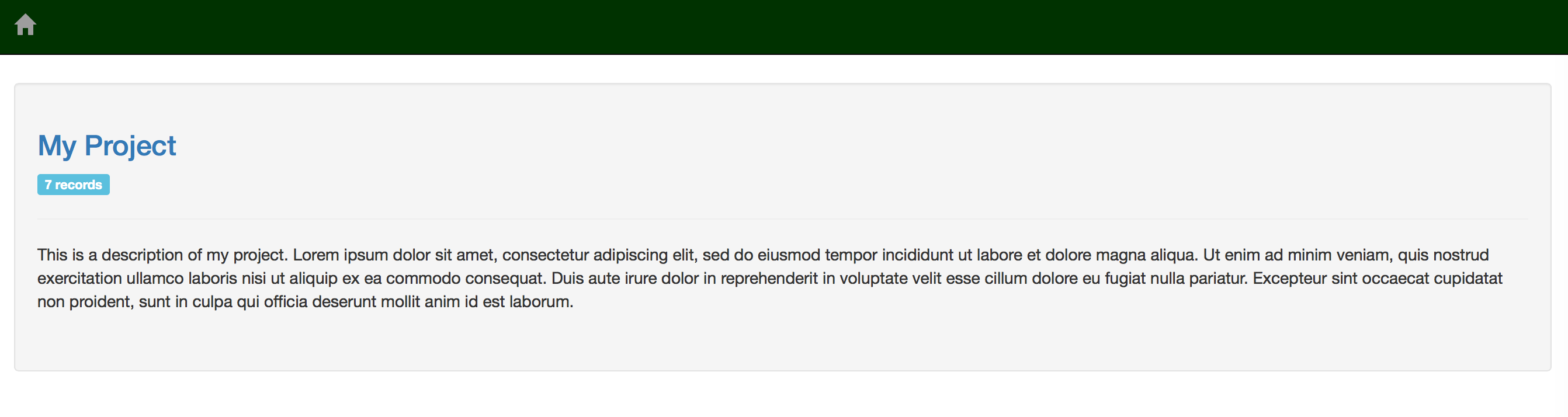
Click on the project name to see the records of your simulations/analyses in that project.
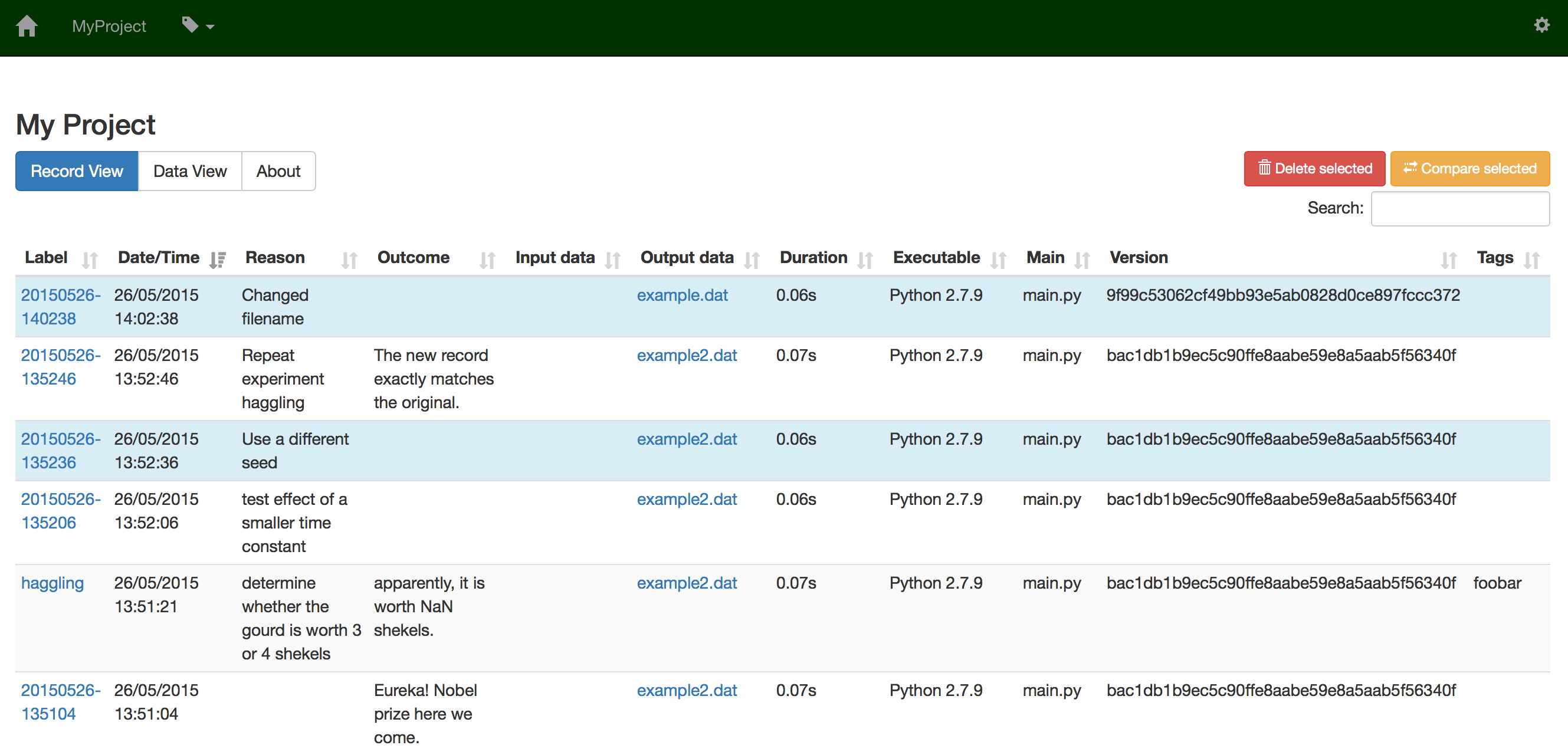
By default, your project is viewed from a process-centric point of view, i.e. one record for each computation performed. The list of records page contains a table with one row per computation, with the following columns:
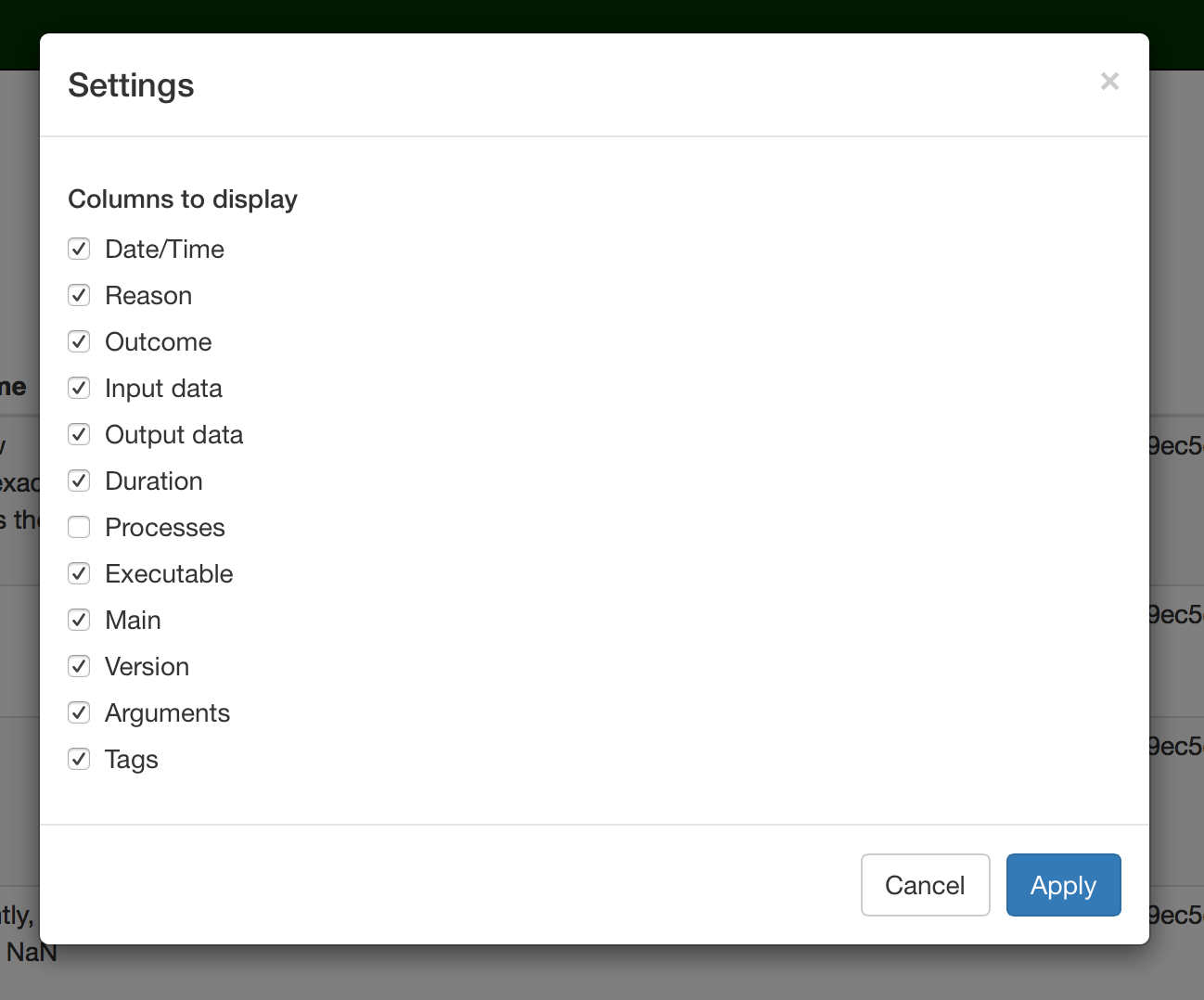
You can change which columns to display by clicking on the settings icon.
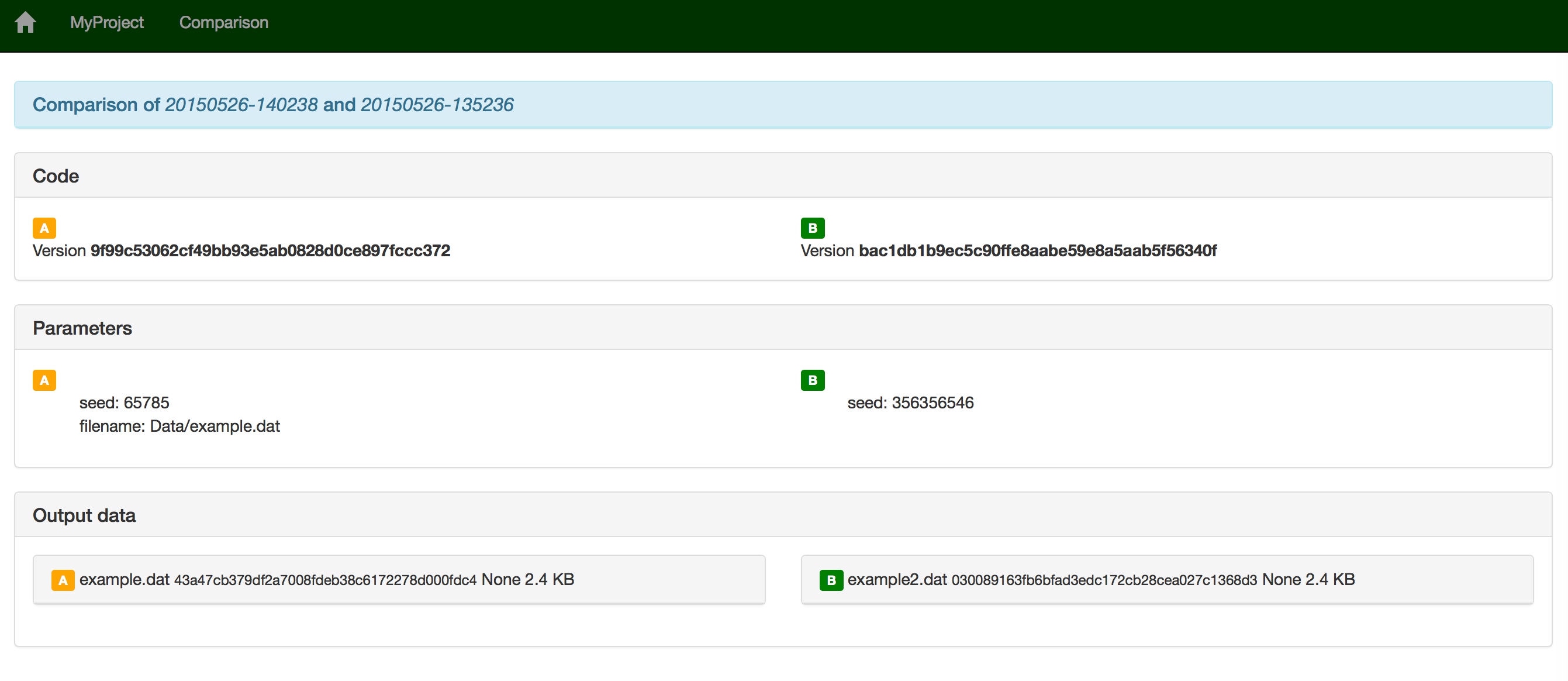
Each record is represented as one row in the table. The rows can be selected and unselected by clicking on them. Actions that can be performed on selected rows are:
When deleting records, you have the option of also deleting any data generated by that simulation or analysis.
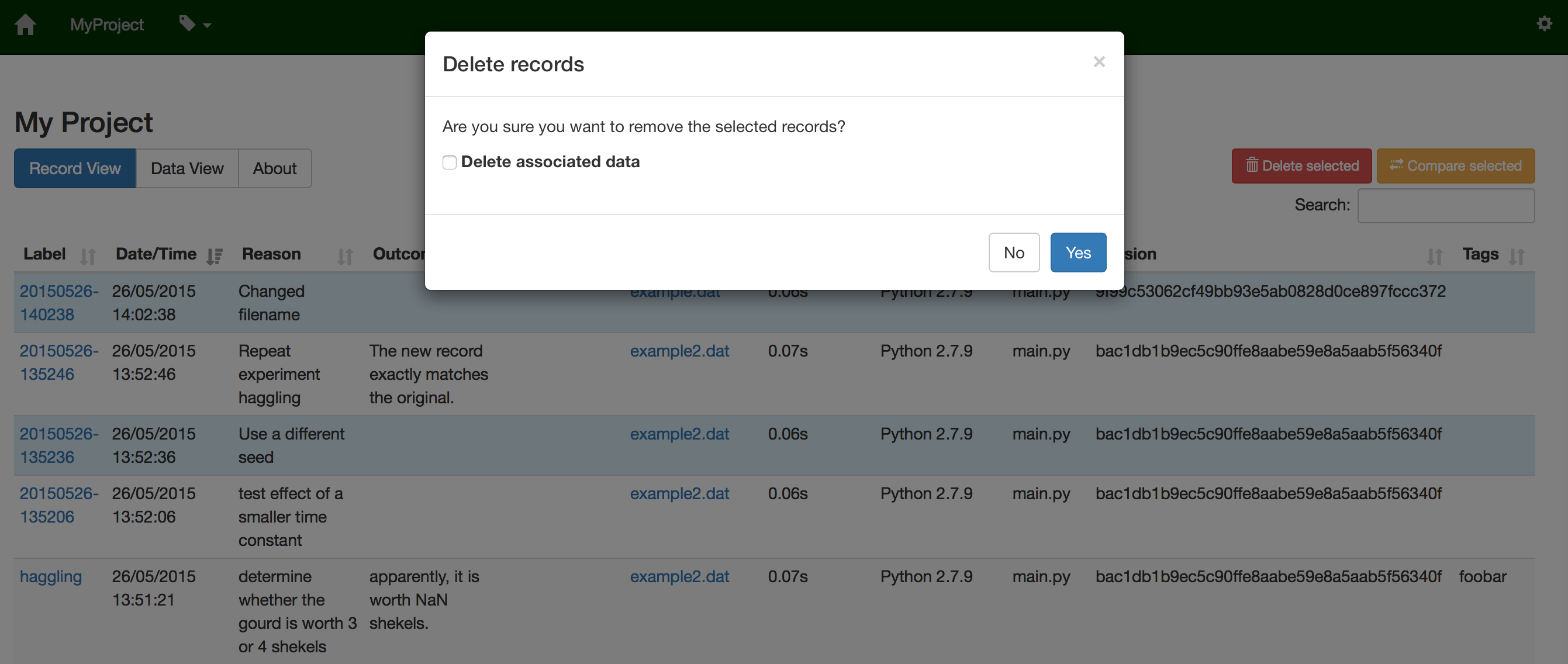
You can filter the records by clicking on the ‘tag’ icon or by using the search field.
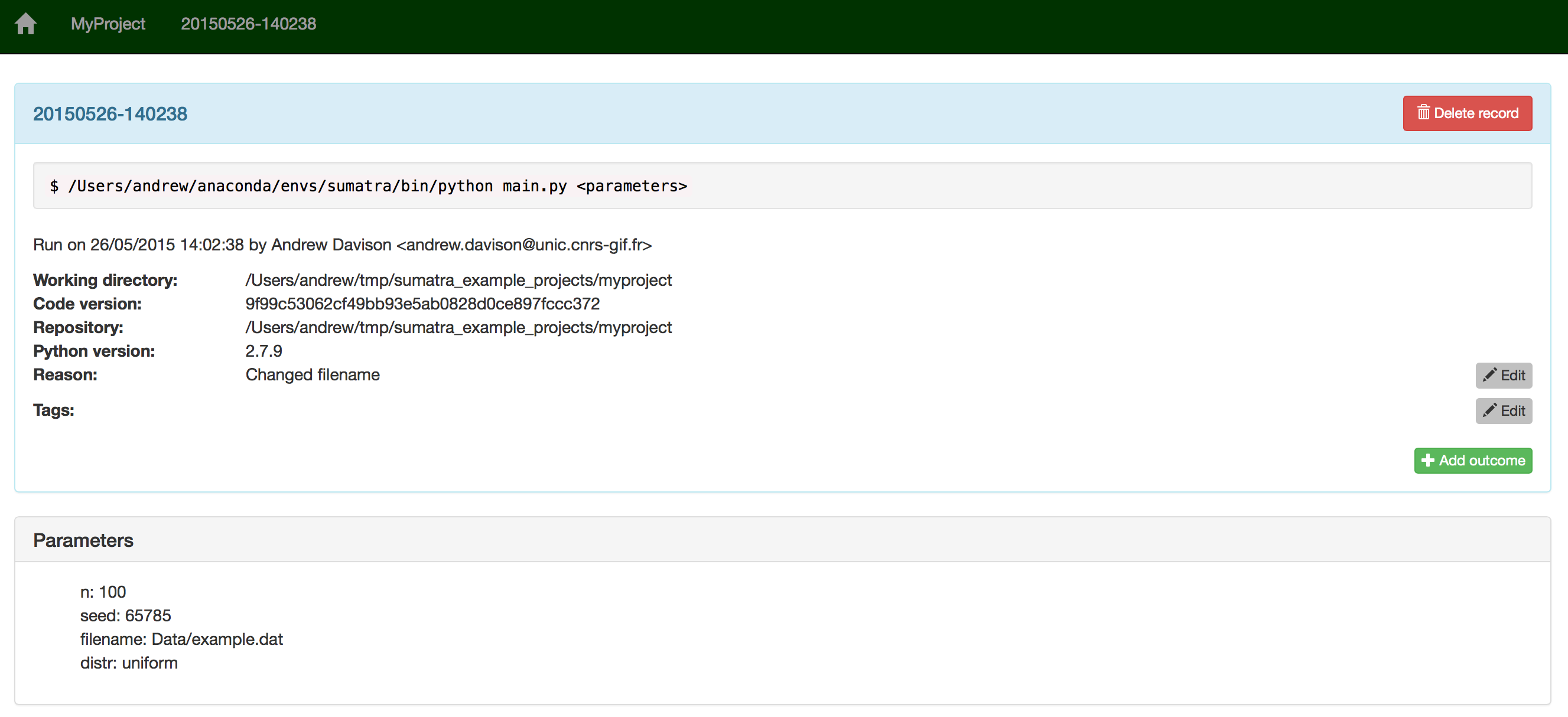
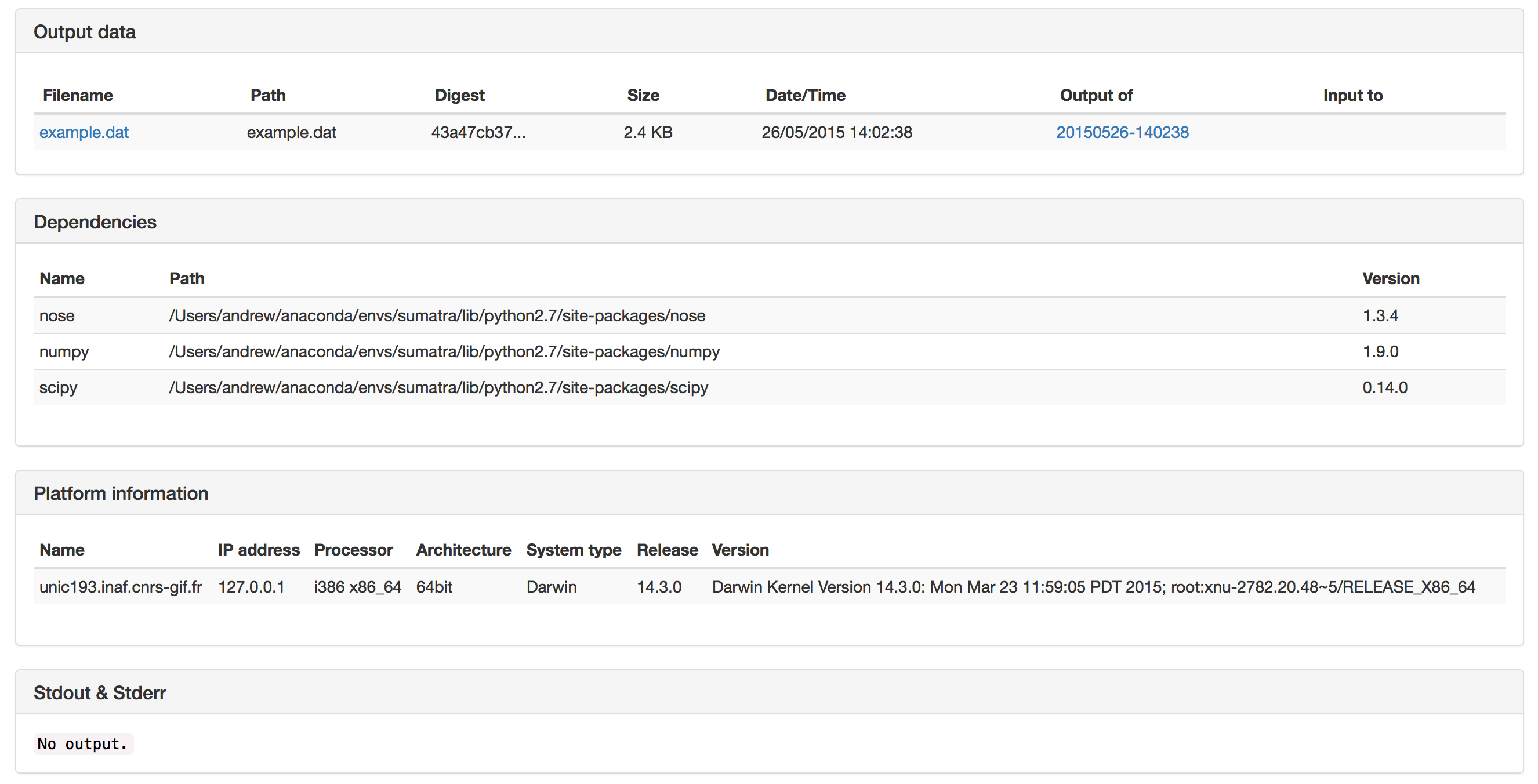
You can access the record detail by clicking the corresponding label name in the main table. The record detail page contains the following sections:
- general info
- parameters
- input data
- output data
- dependencies
- platform information
- stdout & stderr
To view the history of your project from a data-centric point of view, click on the “Data View” tab.
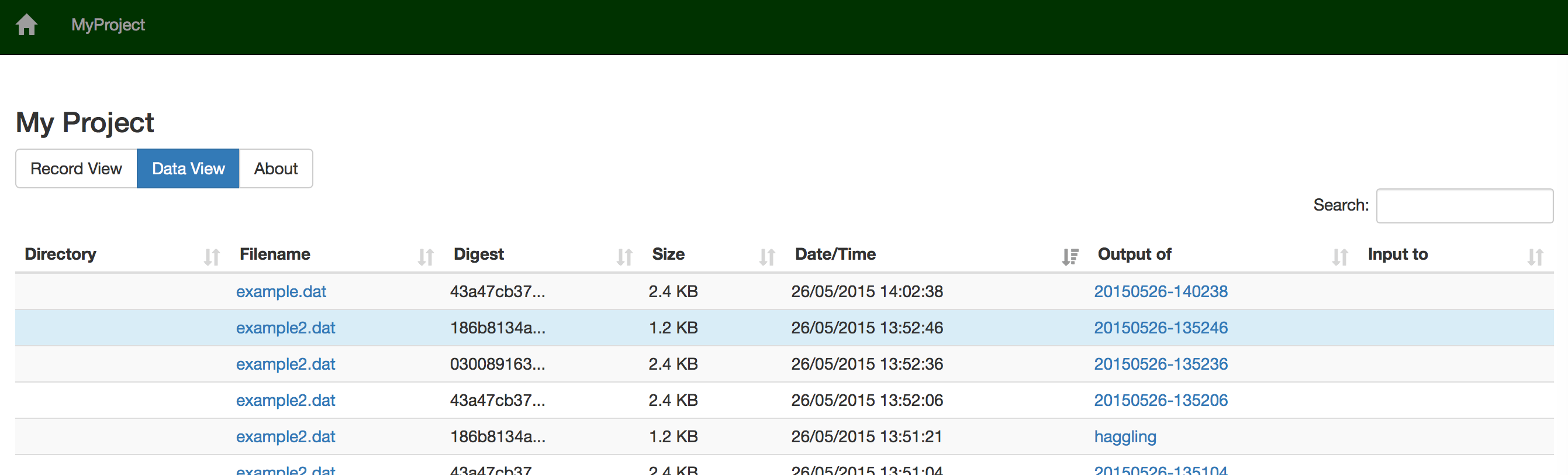
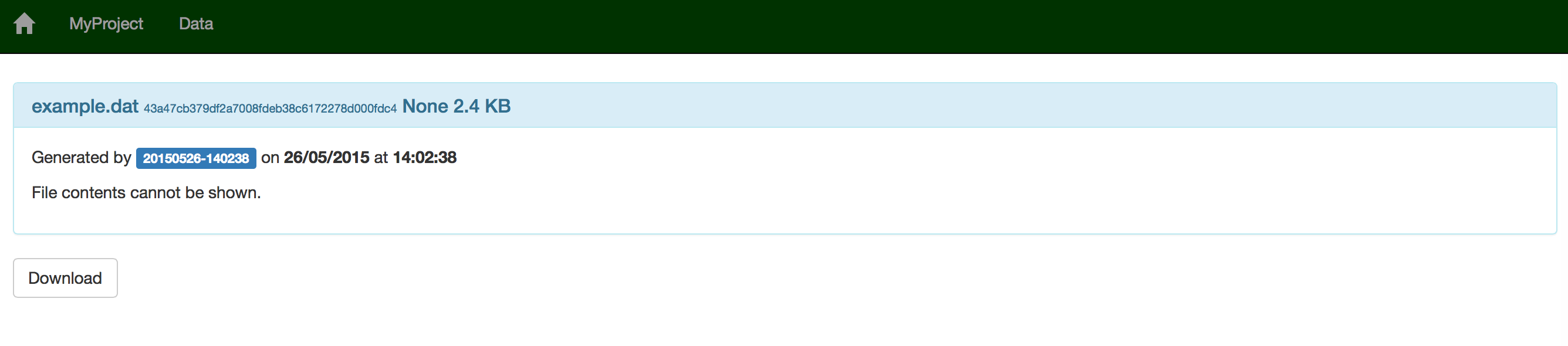
You can also see details about individual data items, including a preview of the file contents for file formats which Sumatra understands (e.g. images, CSV data).
Don’t forget to kill the webserver process (e.g. with fg, Ctrl-C) when you are finished with it.
You can customize the web interface on a per-project basis by placing your own Django templates in a “templates” subdirectory of the Sumatra ”.smt” directory. The best way to proceed is to copy the default templates from “/path/to/sumatra/web/templates” to “/path/to/myproject/.smt/templates” and then modify them.